Log on as student in Didac trainer, and click on "My training".
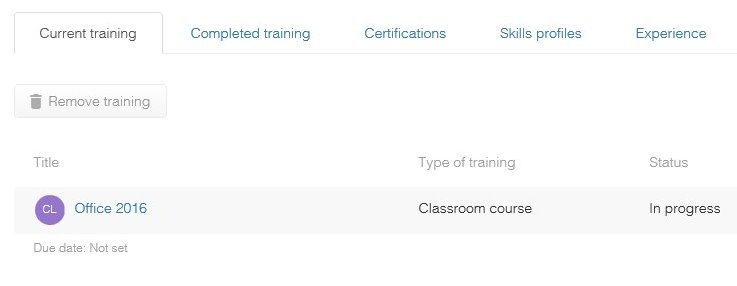
Under the tab "Current training", find the relevant classroom course, and click on its title.
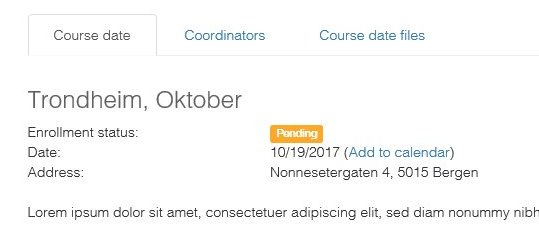
In the course date tab, click on the hyperlink "Add to calendar":
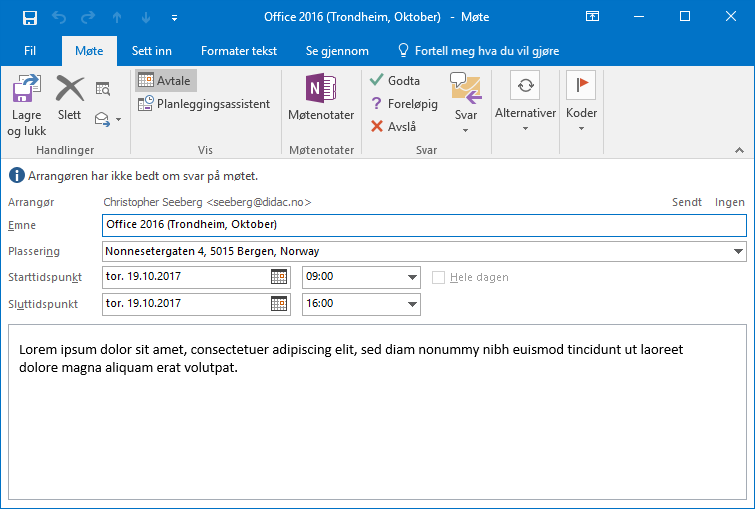
If you have Outlook installed on your computer, a window will open and ask if you want to add the course date as an appointment in your calendar. Click on "Approve" to add.

Comments
0 comments
Please sign in to leave a comment.